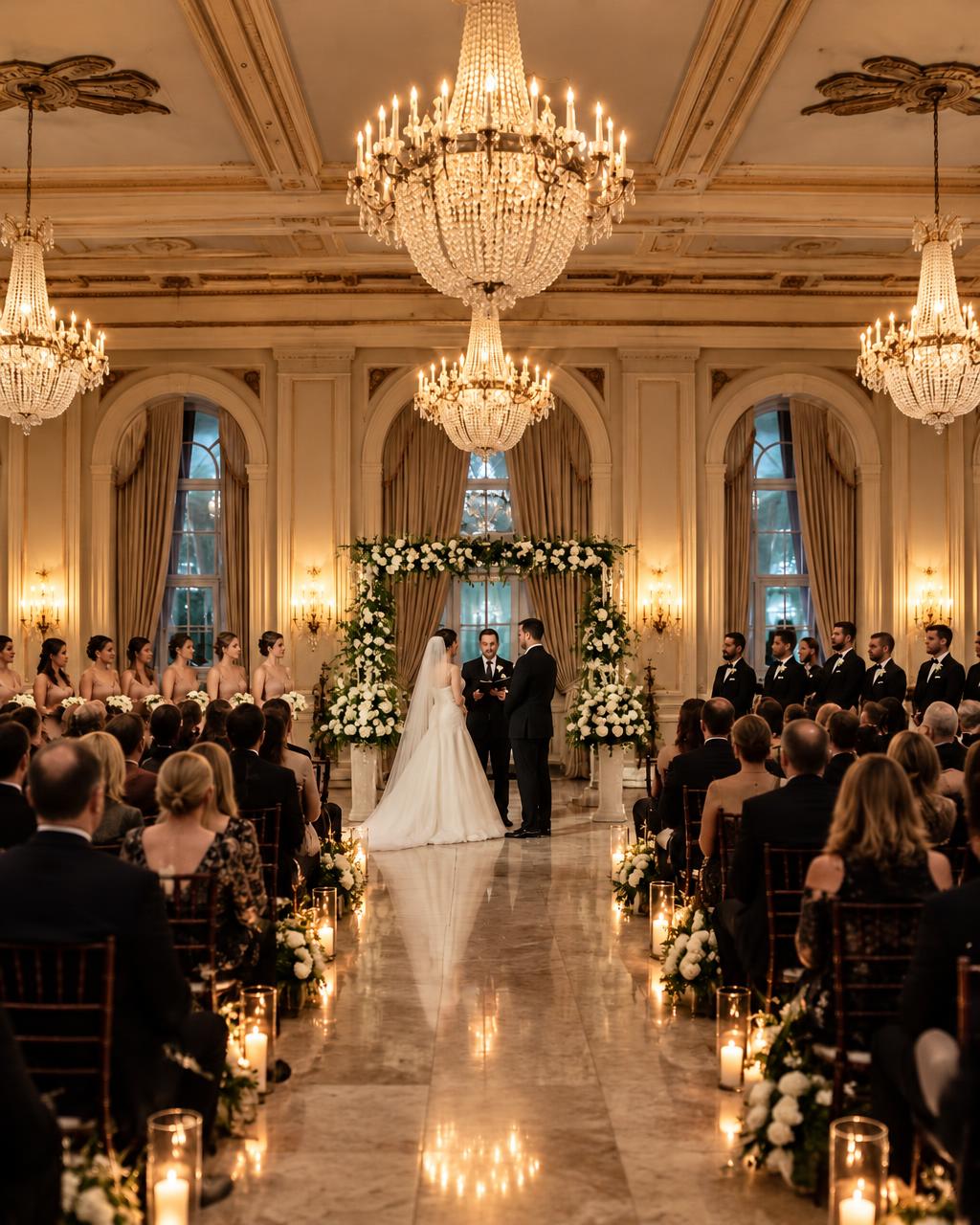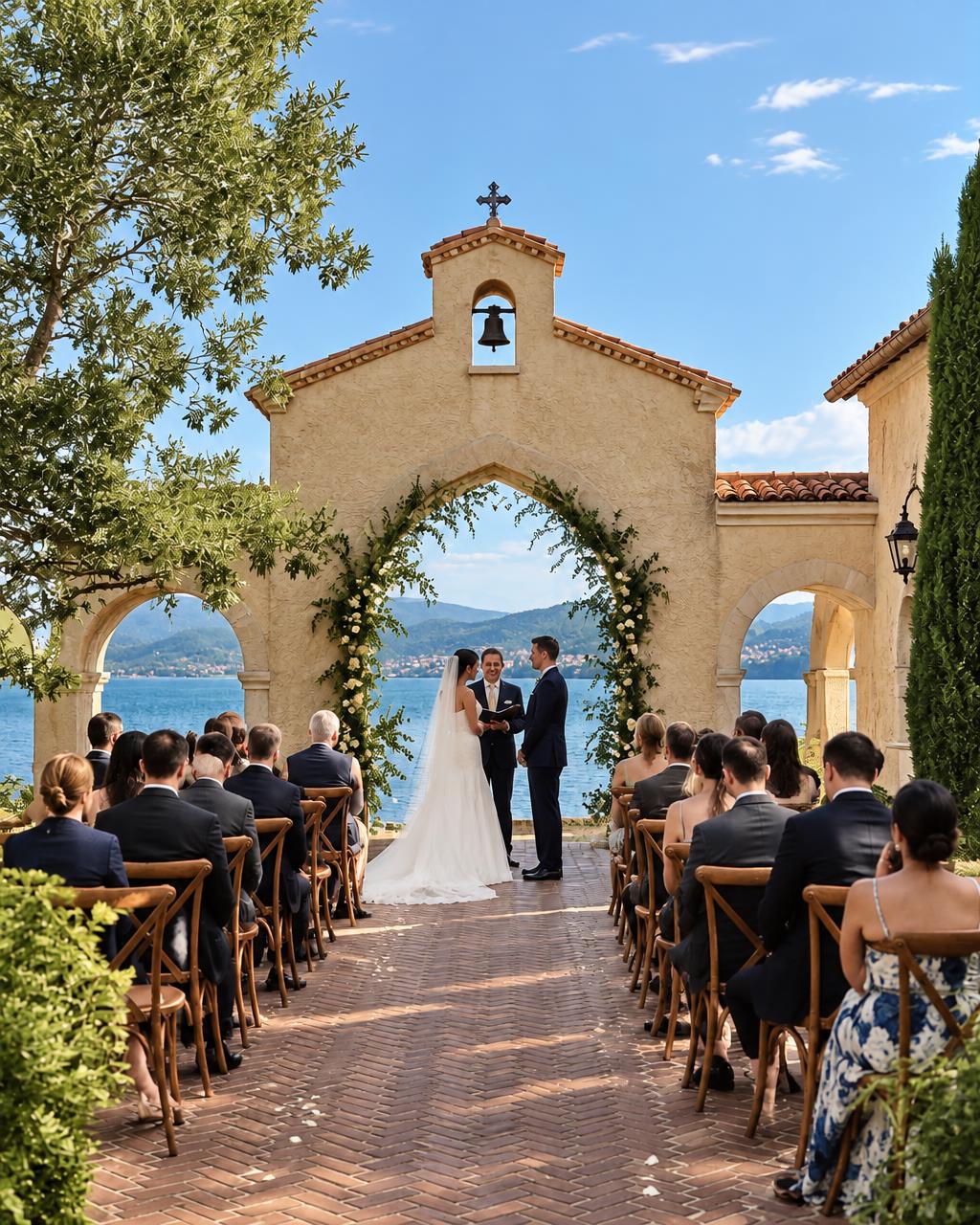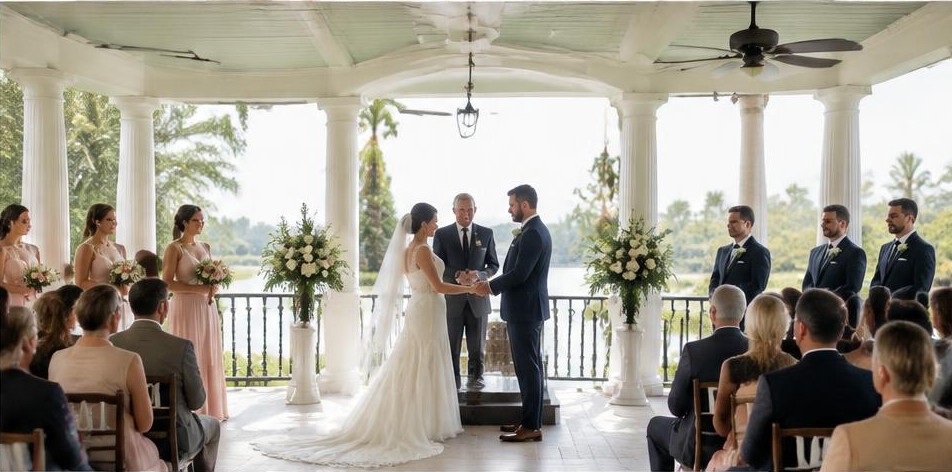
Your wedding ceremony contains words you may never hear in quite the same way again: a parent's reading, your partner's vows, or the pause before you both say “I do.” Clear audio helps guests follow those moments and lets your ceremony video preserve more than the picture. Planning for it does not require learning a sound technician's vocabulary. It starts with identifying who will speak, where they will stand, and who is responsible for helping their words be heard.
For a Central Florida wedding, that conversation might include an outdoor breeze, an indoor sound system, or musicians sharing space with your officiant. Guest amplification and recorded audio also need separate attention; a ceremony can sound good from a chair without producing a clear recording. These twelve tips turn those details into questions and decisions you can address before the processional, rather than leaving your officiant or vendors to improvise.
Tip 01
Separate Guest Amplification from Recorded Audio
Guest amplification sends voices through speakers so people can hear the ceremony in person. Recorded audio captures those voices for your ceremony video. They may share equipment, but they are different jobs. Ask your venue or sound provider who supplies the guest-facing system, then ask your videographer how spoken words will be recorded.
Avoid treating “there's a microphone” as a complete answer. A handheld microphone connected to speakers may help guests but still require a separate recording arrangement. Likewise, a discreet recording microphone may not amplify anything. Put both needs on your planning list: audible vows for seated guests and a clear recording of vows, readings, and the officiant.
Tip 02
Map Audio Sources to the People Speaking
Make a short speaker list: officiant, each partner, readers, and anyone leading a response or blessing. Beside each name, note their expected position and whether they will move. This gives your videographer a useful starting point for choosing audio sources instead of assuming every important voice will come from the same spot.
Ask what each planned source is intended to capture. For example, an officiant microphone, a microphone near the couple, and a venue-system feed serve different purposes. More sources do not automatically mean every voice is covered equally. If you plan personal vows from opposite sides of a table, flag that arrangement before equipment choices are finalized.
Tip 03
Bring the Officiant into the Audio Conversation
Your officiant can explain where they will stand, how they introduce vows, and whether they normally hold or wear a microphone. Arrange a brief exchange with the people handling sound and recording. Ask about microphone preferences early, especially if the officiant uses a printed script, makes gestures, or steps aside during personal vows.
Share the ceremony outline rather than requesting a standard sequence. Religious and cultural practices vary, so defer to your officiant or community about appropriate positioning and participation. The audio team can then plan around those practices. Clarify whether the officiant will prompt you line by line, because both the prompt and your response need attention.
Tip 04
Discuss Attire Before Microphone Placement
Let your videographer know about clothing features that could affect microphone placement: a jacket, lightweight dress fabric, a high neckline, a veil, or prominent jewelry. You do not need to select a mounting method yourself. Ask what information or photos would help the professional plan a discreet, comfortable option with your permission.
Reserve a little preparation time for placement and a speaking check. Once dressed, mention anything that feels uncomfortable or changes how the fabric sits. A necklace brushing a microphone or a lapel moving against it can create distracting noise. If a jacket will come off before the ceremony, communicate that before a microphone is attached.
Tip 05
Make Wind Part of the Outdoor Audio Plan
At an outdoor Central Florida ceremony, wind can affect microphones even when guests consider the weather pleasant. Tell your videographer whether the ceremony area is open, sheltered, lakeside, or near a breezy walkway. Ask how the team plans to manage wind noise rather than assuming the microphone's small size makes it unaffected.
Keep the alternate ceremony location in the same conversation. Moving indoors or under cover changes speaking positions, available sound equipment, and background noise. Share when the location decision will be made and who communicates it. At the final walkthrough, also identify nearby fountains, traffic, or fans so the team can evaluate the actual listening environment.
Tip 06
Give Readers a Simple Microphone Routine
Readers often rehearse their words without rehearsing the trip to the microphone. Tell each reader where to wait, which route to take, and whether someone will hand them a microphone or they will use a stand. Include how they should finish: pause, return the microphone if needed, and then leave the speaking position.
Ask the sound professional to demonstrate the intended microphone position during rehearsal or the pre-ceremony check. Have readers practice a few lines while holding their actual book or pages. This reveals awkward handoffs and paper noise. Encourage a measured pace and a brief settling pause before speaking, rather than beginning the reading while still walking forward.
Tip 07
Coordinate Musicians and Spoken Transitions
List which ceremony moments include live music, recorded tracks, or singing. Tell the audio team whether musicians bring their own equipment and whether vocals need amplification. A string ensemble playing the processional presents different recording needs from a soloist singing beside the couple, so identify both the performers and their positions.
Mark transitions where speech and music could overlap. Who signals the processional music to finish, and does the officiant wait for that ending before welcoming guests? If music accompanies a ritual, discuss whether words are spoken over it. Let musicians, the officiant, and sound professionals agree on cues that respect the intended ceremony rather than competing for attention.
Tip 08
Assign Battery Readiness to the Equipment Owner
Battery readiness belongs with the professionals supplying and operating the equipment. Ask each provider to confirm responsibility for their microphones, recorders, and related devices before the ceremony. You should not need a wedding-party member guessing which batteries to replace or checking unfamiliar equipment while guests arrive. Name the responsible provider on your vendor contact sheet.
Also explain the real usage window, not just the ceremony's expected length. A microphone may be fitted before portraits or used during a longer prelude. Tell the team about those plans so they can assess readiness for the scheduled coverage. If borrowed venue equipment is involved, identify who checks it and who addresses a problem.
Tip 09
Let Professionals Coordinate Wireless Interference
Several vendors may bring wireless equipment to one ceremony: a DJ, musicians, venue staff, and a videographer. Introduce those providers before the wedding and ask who will coordinate their systems on site. You do not need to manage frequencies yourself. The useful planning task is making sure everyone knows which other systems will be operating.
Ask the venue whether another event or nearby space will use sound equipment during your ceremony. Pass that information along without assuming it will create a problem. Give the relevant professionals access to each other and time to check their equipment together. If a last-minute performer brings a wireless microphone, notify the audio team before it is used.
Tip 10
Schedule a Soundcheck with Actual Speaking Positions
A useful soundcheck tests more than whether a microphone turns on. Arrange it within confirmed venue access and vendor coverage times, with the ceremony layout in place when possible. Ask the team to check the officiant's position, the couple's vow positions, and the reading location. Ordinary speaking volume gives them more useful information than a shouted test.
You can keep personal vows private by speaking sample sentences instead of rehearsing the real text. Include a reader's page turn and any planned microphone handoff. Have the sound provider assess guest listening while the videographer checks recording sources. If furniture or speakers move afterward, tell both teams; a check of the earlier setup may no longer represent the ceremony.
Tip 11
Ask What the Backup Actually Covers
“We have backup audio” is a starting point, not a complete explanation. Ask your videographer which important voices have another recording source available and what that alternative is designed to capture. Two devices receiving the same feed may share a vulnerability, while a separately captured voice may offer a different option if one source has trouble.
Also distinguish recording backup from a plan for guests if amplification stops. The sound provider and officiant should know who responds and how the ceremony proceeds, without asking you to troubleshoot. No setup can promise flawless results in every circumstance. A practical backup discussion identifies priorities, likely limitations, and the person responsible for responding to an issue.
Tip 12
Write Down Responsibilities and Share Final Changes
Create a one-page audio plan with four headings: guest amplification, ceremony recording, musician sound, and ceremony cues. Under each, name the responsible person and their contact information. Add who supplies the reader microphone and who helps with microphone placement. Share this with your planner or coordinator, officiant, venue contact, videographer, and sound provider.
Use that same document for final changes instead of sending different versions to separate vendors. A new reader, a moved lectern, or a switch from repeated vows to personal vows can affect coverage. Designate one planning contact to circulate updates. Before the wedding, ask each provider to confirm their assigned role and identify anything that remains unclaimed.
Bring Your Ceremony Plan Together
Clear wedding ceremony audio begins with a shared understanding of the words, people, and spaces involved. Guests need to hear the ceremony as it happens, while your video needs recording sources suited to the voices you want preserved. Those goals work together best when the officiant, venue, musicians, sound provider, and videographer understand their individual roles before wedding-day activity begins.
Your next step is to mark every speaking and musical moment on your ceremony outline. Add the person's location, the planned microphone arrangement, and the provider responsible for it. Circle any unanswered items, then send those specific questions to the relevant professionals. That short review gives your team a practical basis for planning and leaves you free to focus on the words themselves.
Explore my wedding ceremony videos, compare ceremony collections, or check your wedding date. Every collection can be booked up to 12 months ahead; couples planning further ahead can join the waitlist without reserving a date.