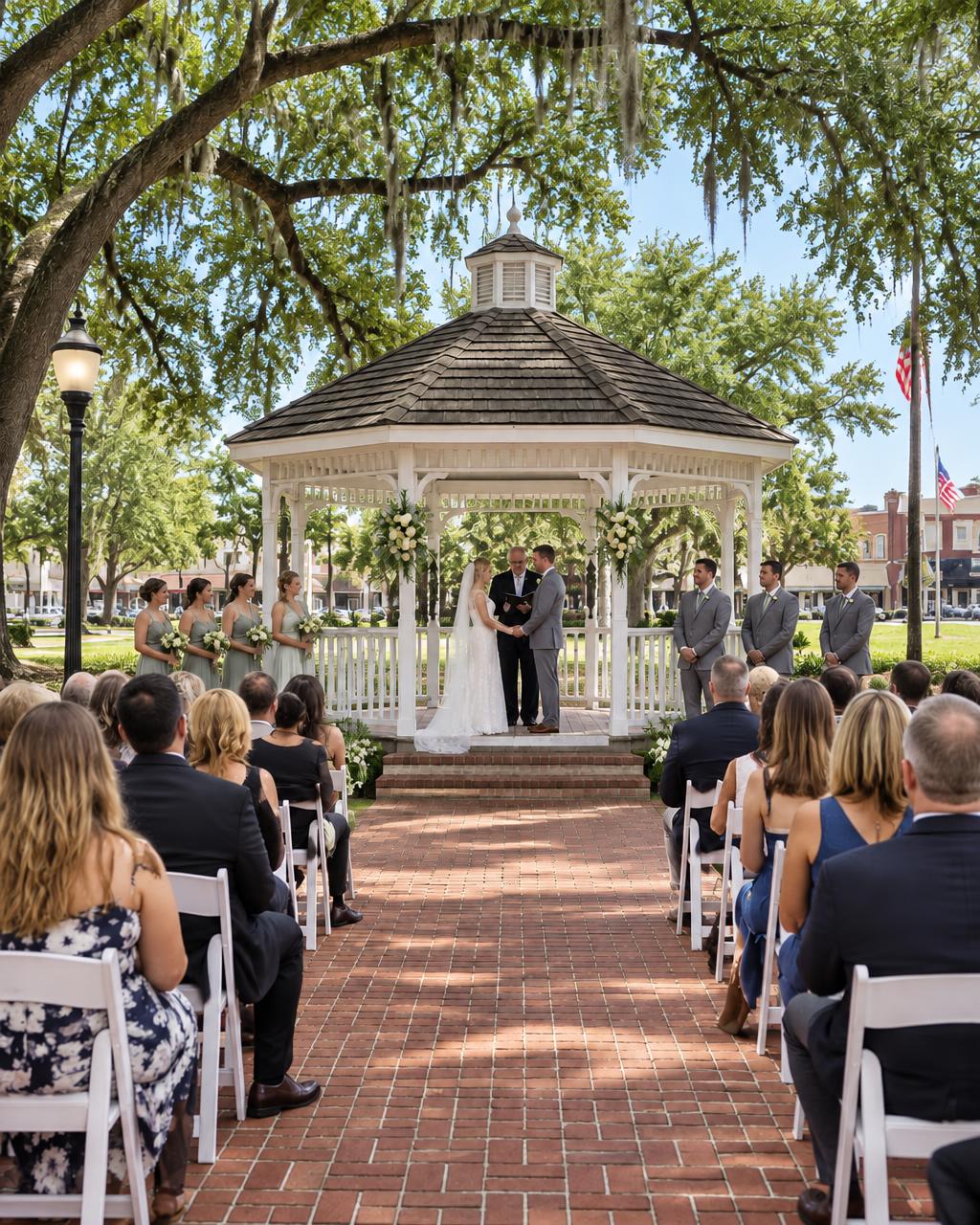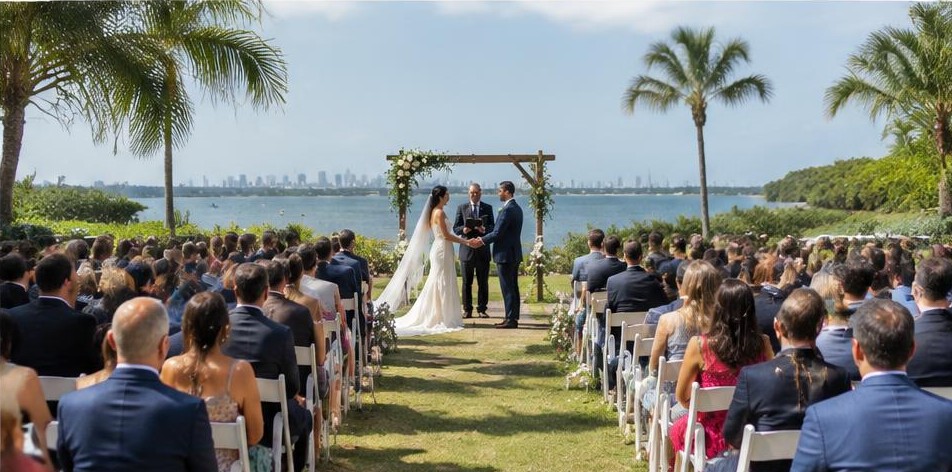
An unplugged wedding ceremony asks guests to put away phones and cameras so they can experience your vows without watching through a screen. The goal is not to police the room or suggest that guest photos have no value. It is to create a short, shared pause: clear views down the aisle, fewer distractions during meaningful words, and faces you can actually see when you look toward the people you love. That works best when your request feels welcoming, specific, and easy to follow.
The most effective plan starts before guests arrive and leaves room for real needs, including accessibility tools, caregiving responsibilities, and urgent calls. You can also decide whether a brief photo opportunity fits your ceremony or would interrupt its flow. These twelve tips help you communicate an unplugged ceremony policy respectfully, coordinate the people supporting it, and give guests a clear answer about when they can take pictures again.
Tip 01
Announce the Request Before the Wedding
Put a short unplugged ceremony note wherever guests will look for practical details: your wedding website, ceremony information card, or final reminder message. Explain both the request and its endpoint. For example, tell guests you are asking for phones and personal cameras to stay tucked away from the processional through the recessional, rather than using “unplugged wedding” without explanation.
Add one sentence about why it matters to you: you want everyone to hear the vows and share the moment without screens. If relatives routinely photograph family events, speak with them beforehand. A personal heads-up is kinder than having them discover the restriction after unpacking a camera at their seat.
Tip 02
Use One Clear, Well-Placed Sign
Place your unplugged ceremony sign along the natural route into the seating area, where guests can pause without blocking the entrance. Ask the venue where a sign is permitted and practical. At an outdoor Central Florida ceremony, confirm that its placement still works if guests enter through a covered route because of changing weather.
Keep the wording readable and direct: “Please silence and put away phones and personal cameras during our ceremony. Thank you for being here with us.” Avoid a long poem that hides the actual request. If you have ceremony programs, repeat a compact version there so guests who miss the entrance sign still receive the message.
Tip 03
Give the Officiant a Warm Opening Cue
Ask your officiant to make the announcement after guests are seated but before the processional begins. This catches anyone who missed earlier messages and gives people time to finish a text, silence notifications, and put devices away. Build that pause into the ceremony plan instead of delivering the request while someone is already walking down the aisle.
Agree on wording that sounds like your officiant: “Before we begin, please silence and tuck away your phones and cameras so we can be fully present together.” Clarify whether watches should also be silenced. For religious or cultural ceremonies, let the officiant or community guide where this housekeeping message belongs within the sequence.
Tip 04
Make Accessibility Exceptions Easy and Private
An unplugged request should not prevent someone from using a device that helps them participate. Guests may rely on phones for communication, captioning, magnification, medical monitoring, or other accessibility needs. Include a discreet note on your website that necessary assistive use is welcome; nobody should need to explain a private condition to neighboring guests.
Tell your officiant, ushers, and coordinator about this exception so a visible screen does not automatically trigger a correction. If a guest asks about using a device, respond privately and focus on what would help them follow the ceremony. Do not make them choose between participation and appearing to respect your wishes.
Tip 05
Plan for Urgent Calls and Caregiving Check-Ins
Some guests need to remain reachable for a babysitter, an older relative, or an on-call responsibility. Before the wedding, identify a willing point person who can receive routine family messages during the ceremony. Share that contact privately with the people who need it, and make sure the person has actually agreed to the role.
Keep a separate option for guests who must monitor their own phones: quiet checking and stepping out for an urgent call are reasonable exceptions. An usher can offer a seat near an exit if requested. Explain where guests can step aside without crossing the processional route, and do not promise that someone else will catch every urgent message.
Tip 06
Define a Respectful Policy, Not a Blanket Ban
Decide what “unplugged” means before asking guests to comply. Does it cover photography, video, livestreaming, social posting, or all recreational device use? Does it end after the recessional or after a later announcement? A clear boundary prevents guests from guessing whether a quick picture during a reading is somehow different from recording your vows.
Phrase the policy around the experience you are creating rather than what guests might do wrong. “Please keep personal cameras and phones put away during the ceremony” is enough. Avoid threatening confiscation, embarrassing reminders about previous weddings, or jokes aimed at particular relatives. Keep accessibility and urgent-contact exceptions consistent across every version of the request.
Tip 07
Consider a Photo Moment Only If You Want One
A brief, announced photo opportunity can give guests a chance to capture the occasion before putting their phones away. It is optional, not a requirement for a successful unplugged ceremony. Discuss a suitable moment with your officiant and photographer, especially if the ceremony includes traditions that should not be interrupted for an informal photo pause.
If you include it, give the moment a clear beginning and end. The officiant can invite seated guests to take a picture, then ask everyone to tuck devices away before continuing. Decide the placement during planning, not at the altar. Skip it if you would rather maintain the emotional flow or avoid bringing screens back into the room.
Tip 08
Keep Devices and Bodies Out of the Aisle
Explain that guests should remain in their places rather than leaning into the aisle, raising tablets, or stepping forward for a better angle. These movements can obstruct other guests and interrupt the processional or recessional. An unplugged policy helps, but the aisle expectation is worth communicating even if you allow an optional photo moment.
Ask ushers to handle questions before the ceremony starts, especially from guests seated along the aisle. If someone needs a different view or an accessible seating arrangement, address that with the venue and coordinator rather than improvising during the entrance. Do not suggest that guests may stand in the aisle briefly as long as they take only one picture.
Tip 09
Choose a Low-Key Approach to Reminders
Assign any reminders to one appropriate person, usually a coordinator or designated usher, rather than asking every attendant to watch the audience. Their first task is prevention: point out the sign and answer questions before guests sit down. Give them wording such as, “The couple is asking for phones away during the ceremony; thank you.”
Decide in advance that an isolated screen does not justify interrupting the vows. It could reflect an accessibility need, an urgent message, or a missed announcement. If repeated filming visibly disrupts others, a quiet reminder may be appropriate when it can be delivered discreetly. The couple should not spend the ceremony monitoring whether every guest follows the request.
Tip 10
Help Families Prepare Children Without Screens
Tell parents about the unplugged plan early enough for them to bring alternatives to a phone or tablet. Suggest quiet, familiar items such as a soft toy, a small picture book, or a simple activity without loose pieces. Avoid assuming that every child can sit still for the same length of time or needs the same support.
Ask the venue or coordinator where a caregiver can step away with a restless child and whether reentry is practical. Share that information without making parents feel unwelcome. If a child uses a device for communication or another accessibility need, treat it as an exception. The aim is fewer distractions, not a public test of parenting.
Tip 11
Explain What Guests Can Expect to See Later
Guests may be more comfortable putting cameras away when they know how you intend to share memories afterward. Say that you plan to share selected photos or your ceremony video when available, if that is genuinely your intention. Avoid promising every guest a complete gallery, a particular image, or a delivery date you have not confirmed.
Separate your ceremony policy from your posting preferences. If you want guests to wait before sharing photos taken outside the ceremony, state that separately and give a clear condition, such as waiting until you post first. Once your professional media arrives, choose an appropriate sharing link or selection and check any agreed access arrangements before distributing it widely.
Tip 12
Coordinate the Venue, Officiant, and Media Team
Put the unplugged plan into the ceremony briefing shared with your officiant, coordinator, venue contact, photographer, and ceremony videographer. Include the announcement wording, its timing, any optional photo moment, and who handles guest questions. Confirm site access, permitted sign locations, and whether a weather-related move changes the entrance, seating layout, or place where reminders happen.
Clarify that the request applies to guest recording, while the hired media team continues its agreed work. For ceremony-only coverage with Our Vows on Film, discuss those cues as part of the ceremony plan rather than assuming coverage of surrounding events. Professional recording does not eliminate every obstruction, so thoughtful guest communication remains useful alongside vendor coordination.
Bring Your Ceremony Plan Together
An unplugged ceremony works best as an invitation to participate, not a demand for perfect behavior. Early notice, a readable sign, and a warm officiant announcement cover most of the communication. Thoughtful exceptions protect guests who need devices, while clear aisle expectations and quiet reminders keep the focus on your ceremony rather than on enforcement.
Your next step is to write a short policy with three parts: when devices should be away, which necessary uses remain welcome, and when personal photos can resume. Send it to your officiant and coordinator for review, then use the same wording across your guest information. If you want a photo moment, decide its placement with them before adding it to the final ceremony outline.
Explore my wedding ceremony videos, compare ceremony collections, or check your wedding date. Every collection can be booked up to 12 months ahead; couples planning further ahead can join the waitlist without reserving a date.